


How to Play

Welcome to the exciting world of Airzoy Interactive Solutions! Get ready to transform your space into an immersive arena filled with engaging games, educational activities, and stimulating challenges. This guide will walk you through the steps to get started with Airzoy and show you how to play your favorite games.

Getting Started

For user-installable solutions

Setting up your Airzoy Interactive Solution is a breeze! We provide detailed instructions and helpful resources to ensure a smooth installation process.  If you encounter any difficulties, our friendly support team is always happy to assist you.

Hardware Overview

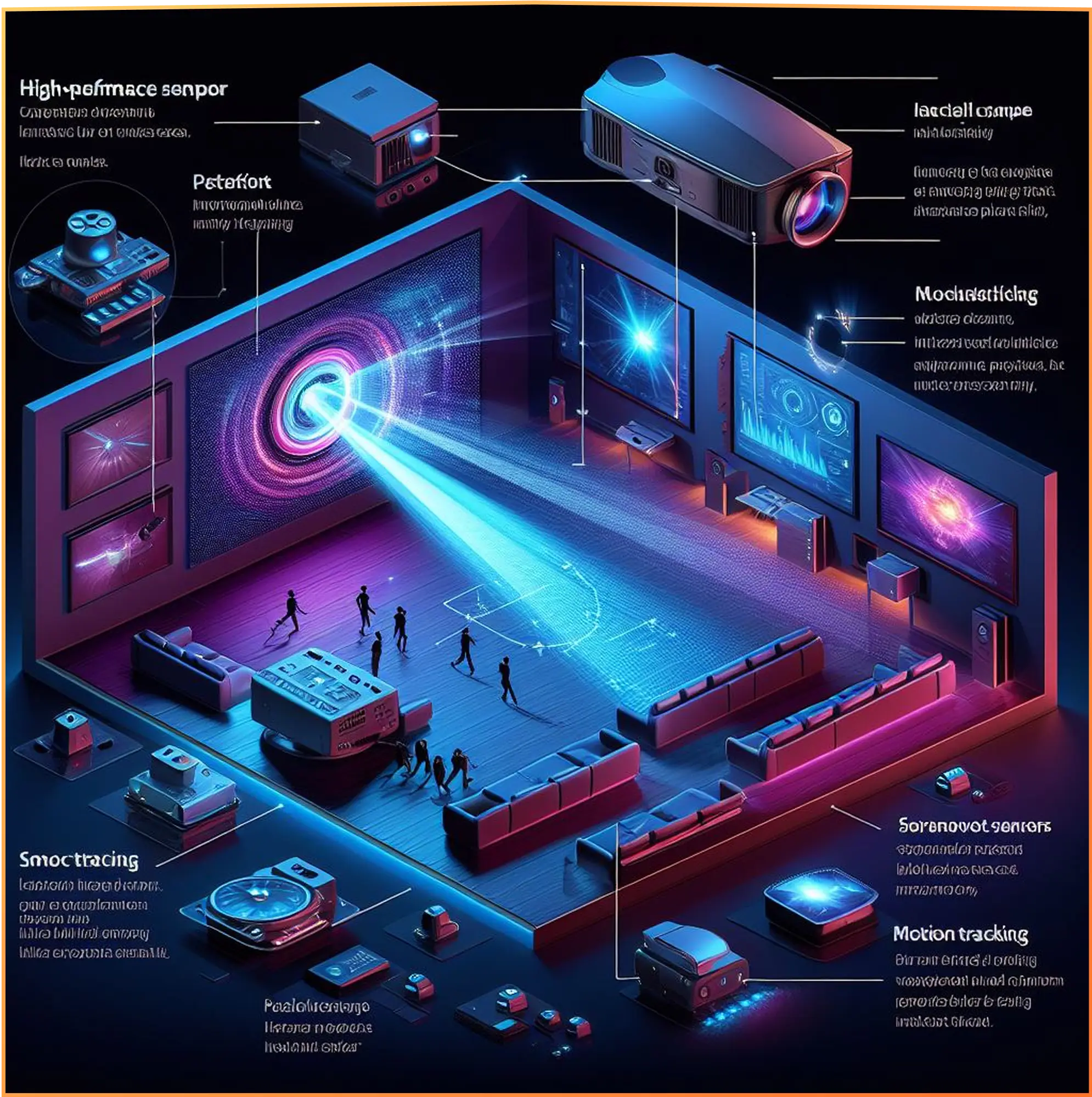
Airzoy Interactive Solutions utilize cutting-edge technology to create an interactive experience. Here’s a quick introduction to the core components :

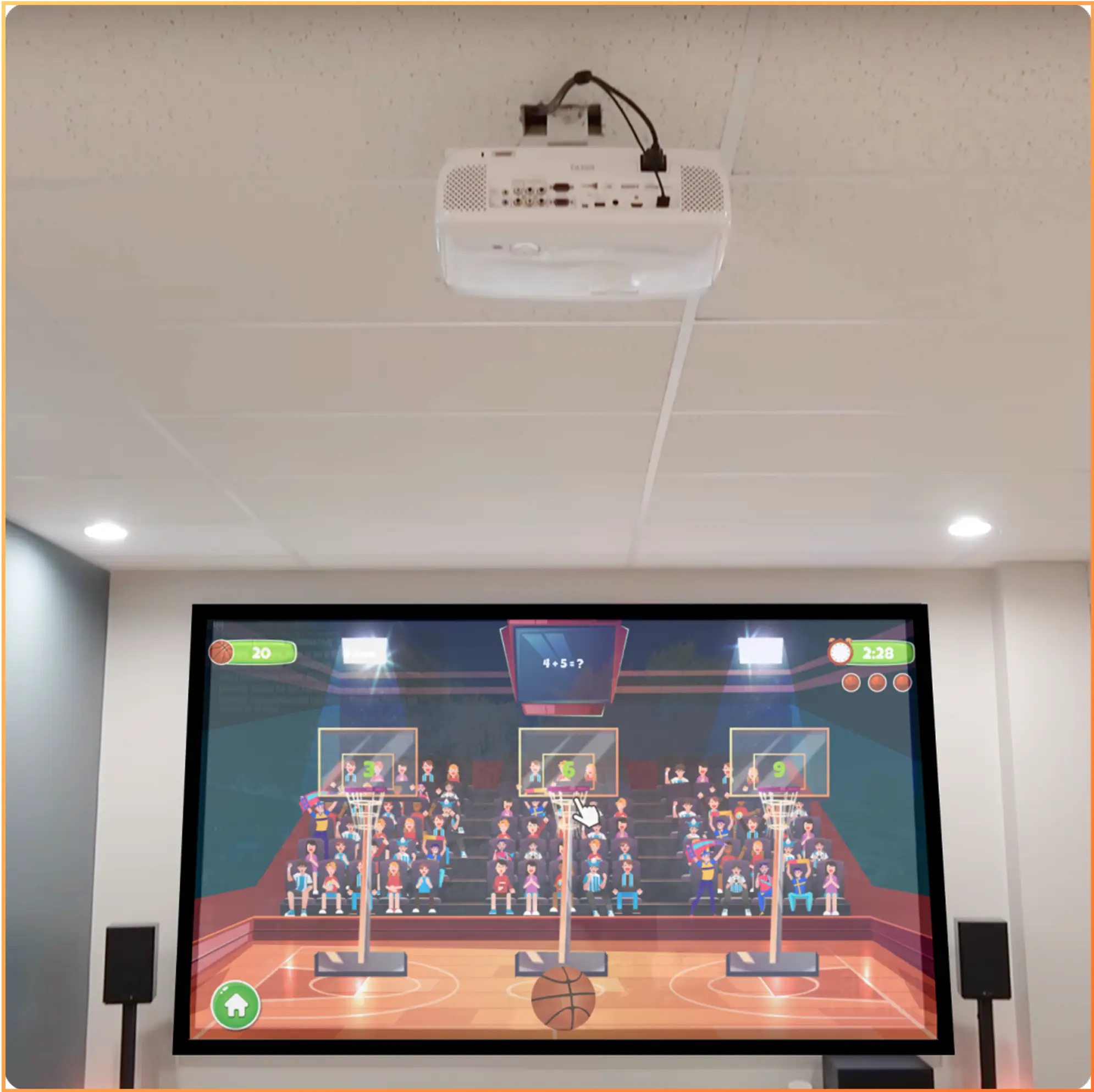
High-Performance Projector

This projector beams stunning visuals onto your designated wall or floor space, transforming it into a dynamic playing field.

Motion Tracking Sensors

These sophisticated sensors (often infrared cameras) strategically placed on the ceiling or walls track your movements and translate them into real-time actions within the game.

User-Friendly Software

The Airzoy software is the brain of the system. It allows you to: Manage your game library: Browse, select, and download new games from the ever-expanding Airzoy library.

Customize your experience

Adjust difficulty settings, create user profiles (if applicable), and personalize your gameplay preferences.

Software Installation

Installing the Airzoy software is a straightforward process. Refer to the user manual or download any necessary resources from our website. If you have any questions, don’t hesitate to contact our support team for guidance.

Navigating the Airzoy Software

The Airzoy software is designed for ease of use. Here’s a quick tour of its functionalities:

Game Library

This section showcases your available games and allows you to download new ones to expand your collection.

Settings

Here you can adjust various preferences, including display settings, difficulty levels, and audio options. 

User Profiles

Create personalized profiles to track your progress, high scores, and achievements across different games.

Playing Airzoy Games

Now comes the fun part – playing Airzoy games! Here’s a general guide that applies to most Airzoy solutions:

Launch your chosen game

Select the game you want to play from the Airzoy software library

Follow the on-screen instructions

Most Airzoy games come with introductory tutorials that guide you through the mechanics and objectives.

Calibrate

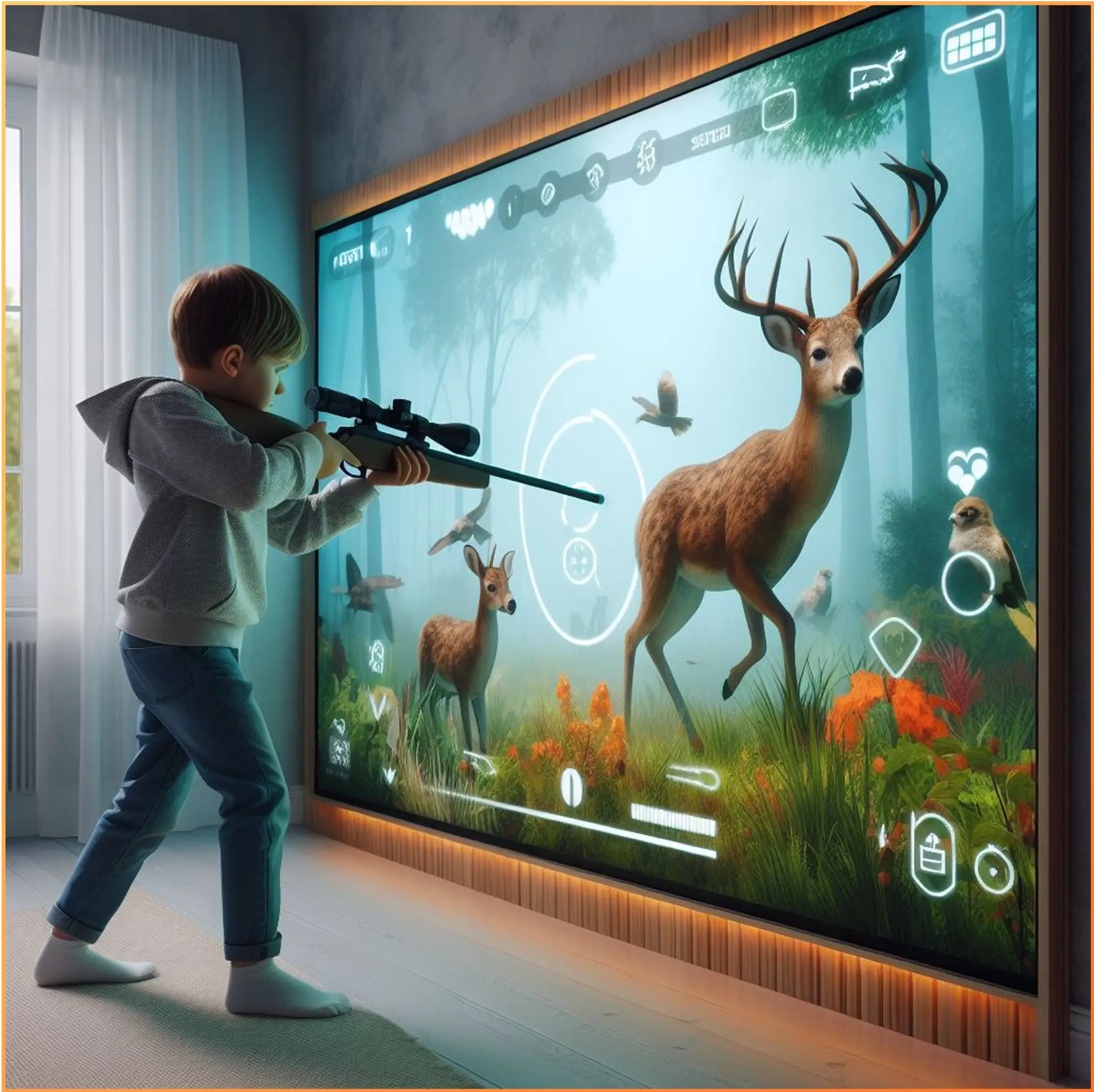
Some Airzoy solutions, like shooting games, might require a calibration process to ensure accurate motion tracking. The software will guide you through this step.

Troubleshooting Tips

If you experience minor issues while playing Airzoy games, ensure that the motion tracking sensors have a clear line of sight to your playing area. If problems persist, try restarting the Airzoy software or your device. For further assistance, refer to the user manual or check our online troubleshooting guide.

Safety Reminders

Airzoy prioritizes user safety, so keep these tips in mind: Maintain a safe distance from the projection surface, especially during shooting games. Be aware of your surroundings and ensure your playing area is free of obstacles. If you feel any discomfort, take a break and consult a healthcare professional if necessary.

Leaderboards

Compete with friends and family for the highest scores!

Multiplayer modes

Team up or challenge others for an extra layer of fun (not available for all games).

Customization options

Personalize your in-game experience with various settings (availability may vary).